Start with the cleaning job rather than a maximum claim
A cordless vacuum that stops before the final room can prompt an immediate battery replacement search. First define the ordinary route: surfaces, tools, selected modes and approximate active cleaning time. A whole-home route using intensive power is not comparable with an advertised maximum under different conditions. Keep marketing conditions attached to any quoted figure.
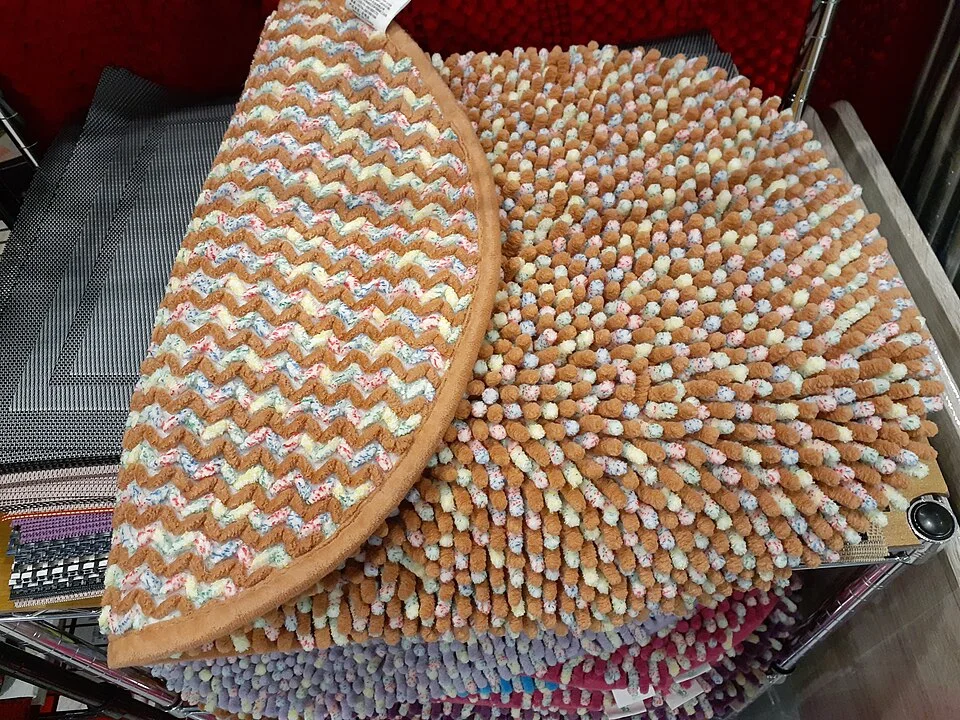
The raised tufts and bound edges show surface features worth identifying when describing a cleaning route. Record the actual rug care, compatible tool and chosen mode rather than assigning suction needs from colour or texture alone. A shop display provides no measured runtime and does not authorize vacuuming every shown mat.
Photo & usage
Yiuxchiu Foodrma · CC BY-SA 4.0 · Source. Display copies resized and encoded as WebP; no instructional details were fabricated or removed.
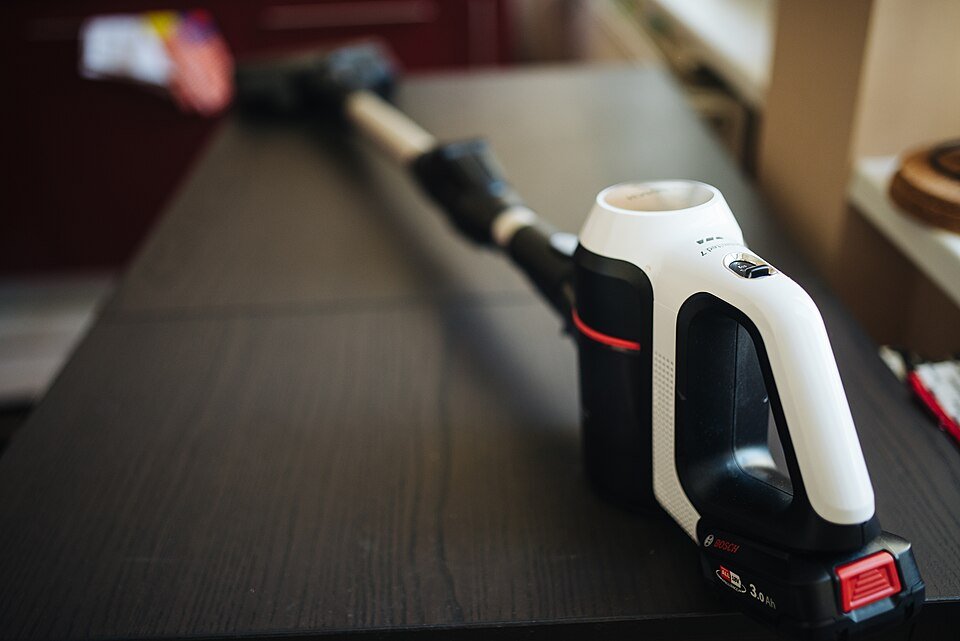
Identify the exact vacuum, battery and charger from accessible labels or existing records. Follow the model's charging and operating instructions. Do not open a battery pack, use an incompatible charger or continue using a damaged or unusually hot battery. Stop for concerning abnormal behavior and seek appropriate support.
Dyson V15 Detect owner guide, Singapore describes distinct Eco, Auto/Med and Boost roles for its V15 Detect context. That supports recording mode, but not applying those names or runtime expectations to every cordless vacuum. Your product may have different power levels, tool behavior and display logic.
Record charge state without inventing a capacity test
Begin a necessary cleaning session with the starting charge documented according to the product's indicators. Note whether charging completed, whether the battery is the same one as before and any relevant temperature or rest instruction. Do not deliberately discharge the battery to zero repeatedly to produce data. This is a household route record, not a battery endurance test.
Use the intended compatible charger and accessories. Record a changed battery or tool as a changed setup. A newly fitted powered head can alter the task even when the hand unit is unchanged. Keep required filters and the bin in their proper condition, but note maintenance if it occurs between comparisons.
Dyson V15 Detect owner support provides model-specific support and user-care guidance. Use that route for unusual runtime or alerts instead of treating one short session as a diagnosis. A low-charge warning, blockage indication and thermal stop can have different meanings. Copy the actual message rather than recording every stop as battery empty.
Separate trigger-on work from pauses and handling
Choose a practical timing method. You might record each room's active interval and exclude pauses for moving furniture or changing tools, or record the full session while explicitly including pauses. Either can help planning, but they cannot be compared without the convention. Do not call a 30-minute wall-clock session 30 minutes of motor operation if the machine was off for half of it.
Record mode changes with approximate durations. If the machine uses an automatic mode, note the surface and tool because operation can adjust during cleaning. A runtime estimate changing when a tool is attached or mode selected is not necessarily a fault. Read its meaning in the actual guide.
Do not vacuum unsuitable material to create a repeatable load. Water, hot debris, hazardous dust and material prohibited by the manual are outside this comparison. Ordinary visible household debris is enough for a practical route record. Keep children, pets and loose cords clear while working.
Calculate a route without converting minutes into battery percentage
This route is illustrative and invented. The intervals are active motor time in a hypothetical necessary session, with all modes and surfaces assumed suitable. No battery-capacity or energy measurement has been made.
| Task | Mode and tool | Active time |
|---|---|---|
| Open hard floor | Permitted lower-power mode and appropriate head | 12 minutes |
| Compatible carpet | Permitted automatic mode and head | 8 minutes |
| Small difficult area | Permitted intensive mode and tool | 2 minutes |
Total active time is 12 plus 8 plus 2, or 22 minutes. If handling pauses add 7 minutes, the session lasts 29 minutes by the clock. The 2 intensive minutes are not simply 2/22 of battery consumption because power draw differs. Do not calculate remaining capacity or battery health from that time fraction.
Do not make runtime the only success measure
Note whether the intended ordinary cleaning task was completed and whether visible debris remained. A long low-power session that leaves the relevant surface inadequately cleaned is not automatically the better route. Conversely, using maximum power across every surface may be unnecessary where the model and floor instructions support another mode.
Do not use a particle-count display or a clear-looking floor as a complete indoor-air or hygiene certificate. The record is about the appliance task and visible result. Different tools and surfaces may need different permitted techniques, and a floor manufacturer's restrictions remain relevant.
Dyson model-specific troubleshooting, product 447329-01 explains model-specific behavior including tool or blockage-related stopping. If a brush stops on a particular surface, record that event separately from runtime. Do not keep forcing the head or disabling protection to finish the route. A stopped brush and depleted battery require different questions.
Use necessary similar routes and preserve differences
Compare a few naturally occurring sessions with the same broad route, starting-charge convention, battery and tools. Record unusual debris, a different rug or a newly selected mode. A session after heavy entertaining is not identical to a light midweek pass, even when the same rooms are covered.
If the route completes comfortably under the model's intended mode choices, use the record as a planning guide. If runtime declines repeatedly under comparable use, contact support with the actual setup and any alerts. Do not claim a percentage of battery degradation from minutes alone. Capacity assessment requires an appropriate method and conditions beyond this routine.
Avoid buying a spare battery solely because another owner's maximum differs. Confirm compatibility and whether the actual product permits user replacement. A battery that physically resembles the original is not enough. For service or warranty questions, keep the model, battery identity and route notes rather than an unsupported claim that the motor has lost a fixed proportion of power.
Plan a priority order without running the pack to empty
Put essential areas first and leave optional spot work for the remaining appropriate runtime. If the product supports a suitable mode adjustment, use it for the relevant task rather than treating Boost as a default everywhere. Follow charging instructions before the next session. Do not leave the machine stored with a known fault to preserve a comparison.
If another person uses the vacuum, explain the route and tool choices briefly. A shared record is useful only if mode changes and battery swaps are visible. Keep accessories identified so a hard-floor-specific head is not used on an unsuitable surface to save a tool change.
Completion means the ordinary cleaning route has a workable setup, its active time is understood and unusual stops have an appropriate support path. The record supports household planning. It does not certify battery capacity, guarantee advertised maximum runtime or establish a measured cleaning or health benefit.
Keep the advertised comparison honest
If you retain an advertised runtime in the file, copy the exact conditions and product variant from the manufacturer. Note whether it concerns a non-powered tool, a particular mode or a maximum claim. Do not place that number beside your mixed powered-head route without the qualification. A discrepancy can then become a precise support question rather than an automatic conclusion that the battery is defective.
Keep regional model differences visible as well. An owner guide from another market may explain a feature but should not supply warranty terms, included tools or charging specifications for your machine. The actual product documentation remains the operating reference.
THE REFERENCE FILE
Sources & scope
Documentation reviewed 1 Nov 2026. Examples are illustrative; this article does not claim hands-on product testing. Follow the instructions for your actual material, model and location.