Read the cycle guide for this control panel
A dishwasher can run the same named programme for different durations when options or sensed conditions differ. Before comparing yesterday's long run with today's short one, identify the exact model and its cycle guide. Record the programme name, default drying behavior and the optional settings actually available. Do not use a similar-looking panel as a substitute.
Whirlpool dishwasher cycle and options guide W11589943C covers several Whirlpool models and explicitly says not every listed cycle or option applies to every machine. That qualification belongs in the household record. A guide's range is not a promise that every run will take its shortest listed time or use a fixed quantity of water.
This article focuses on control decisions and evidence. Keep ordinary loading appropriate, but do not rebuild the entire rack arrangement to create a timing experiment. A useful comparison needs a broadly similar permitted load and a clear account of settings, rather than a new loading tutorial disguised as a programme test.
Write what the machine will actually run
After selecting the programme, record each accepted option: higher wash temperature, sanitizing rinse, drying choice, targeted wash or another feature the actual model offers. Note unavailable combinations. A button press that is rejected or silently deselects another option should not be recorded as active.
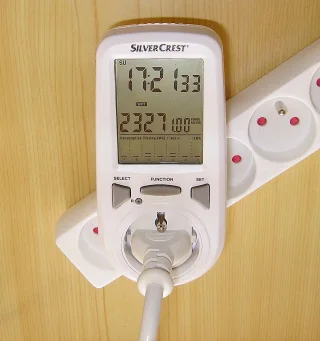
Some controls remember a previous selection. Check the final indicators before starting rather than assuming the programme name restores defaults. If you take a control-panel photograph, keep it accessible and avoid sharing unnecessary household details. The purpose is to preserve the accepted combination, not to suggest the photographed panel belongs to every reader.
Whirlpool dishwasher cycle and options guide W11538005B gives separate added-time and function information for options in its covered family. Read those rows with the cycle table. Do not add published maximum option times mechanically unless the guide says they are additive; sensing, overlaps and programme logic can make a homemade total misleading.
Include the inherited default state
Before changing anything, note the options already lit when the programme is selected. A remembered drying choice or previous user's higher-temperature option can explain why two apparently identical Normal runs differ. Record the starting state and the accepted final state rather than only the button you pressed. If the manual describes a reset to defaults, use that procedure only when it is appropriate for the actual task.
After a change, check whether another option was deselected automatically. Some combinations are mutually constrained, so the result may be a replacement rather than an addition. Do not assume that the total duration equals the old programme plus one published option interval. Preserving the complete accepted combination makes the comparison reviewable and prevents a later household member from reproducing only half of the setting choice.
Do not let a timing change hide another change
Record the broad load and soil condition, detergent product and any relevant rinse-aid setting. Use products as the dishwasher and product labels instruct. Some short cycles have product compatibility limits, so check both documents before choosing a fast route. Do not add hand dishwashing liquid or extra chemicals to compensate for a programme choice.
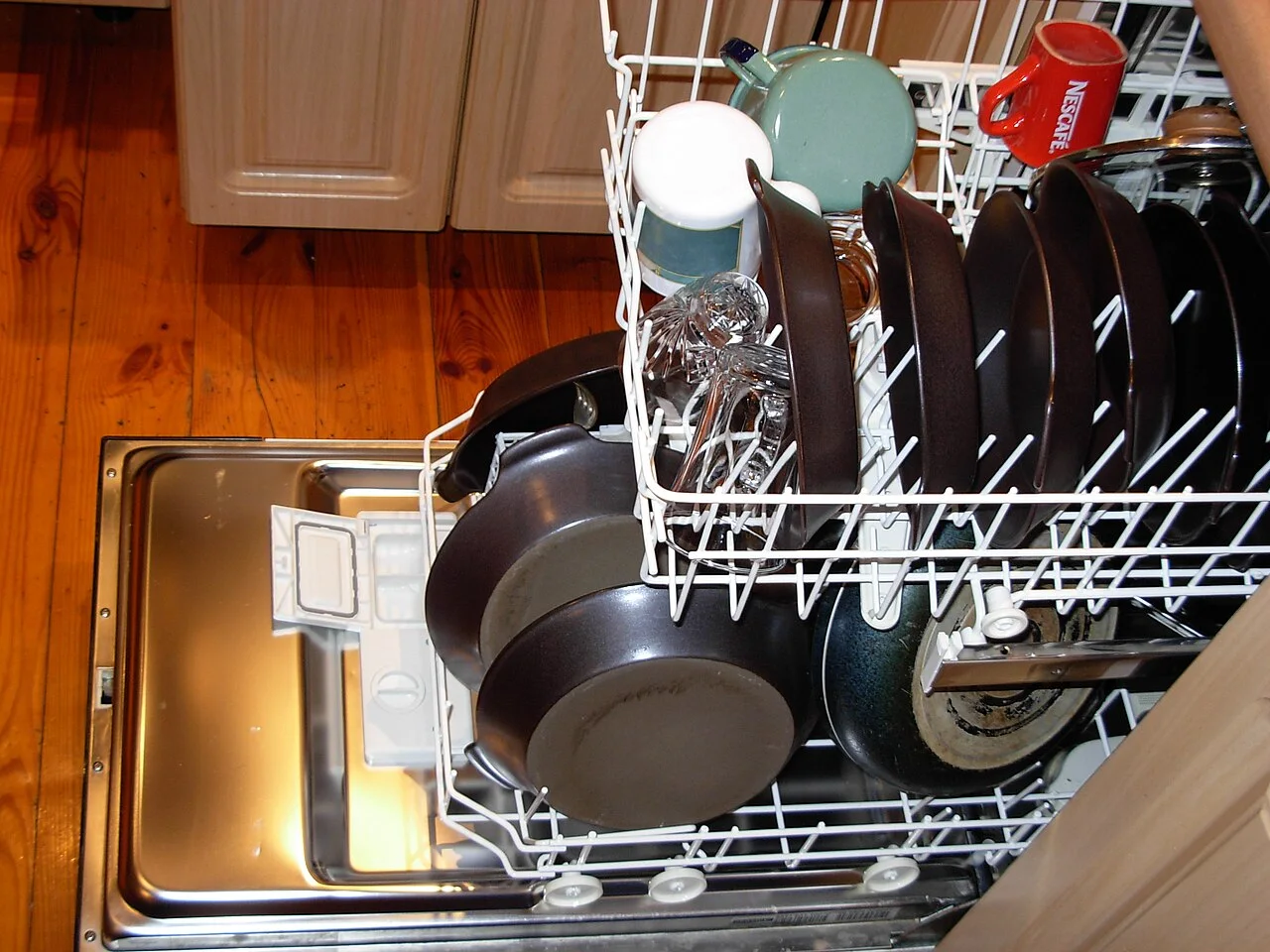
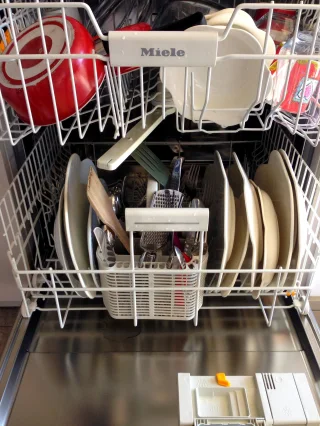
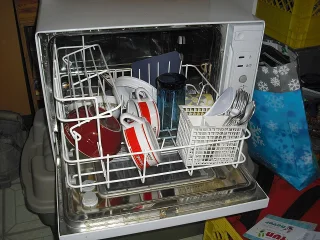
Pans, plates and glasses occupy an open dishwasher. The reference illustrates mixed load context, not the machine’s model, selected programme or a tested loading result.
Photo & usage
No machine-readable author provided. Piotrus assumed (based on copyright claims). · CC BY-SA 3.0 · Source. Display copies resized and encoded as WebP; no instructional details were fabricated or removed.
A normally soiled dinner load and baked-on cookware are not equivalent because they occupy the same number of racks. Record that difference. Keep the ordinary required user maintenance current, but if a filter is cleaned between observations, note the event instead of attributing every result to the new programme.
Bosch: Tips to Maximize Drying recommends particular programme and drying choices for its Bosch context. It usefully shows that manufacturer guidance can differ from a Whirlpool guide, but its Auto recommendation should not become a universal setting for all machines. Use the actual model's load, material and option guidance.
Calculate elapsed time without inventing consumption
The following observations are illustrative and invented. They compare two hypothetical permitted runs with broadly similar loads. They do not establish cleaning performance, water use or energy use for any dishwasher.
| Run | Accepted combination | Start and finish | Elapsed |
|---|---|---|---|
| A | Normal plus permitted drying option | 18:00–20:35 | 155 minutes |
| B | Normal plus different permitted option state | 18:00–20:10 | 130 minutes |
Run A is 25 minutes longer: 155 minus 130. The options differ, so this is not a controlled comparison of the same programme state. It also does not show that B used less electricity or water. A shorter run can have different heating and water behavior. The useful next step is to compare accepted settings and the actual finished result, not declare the shorter clock time the winner.
Distinguish finished, paused and waiting
Read the actual status indication when the household expects completion. A delay countdown, paused cycle and finished programme can all look inactive. Use the manual's control explanation, especially after the door was opened or power interrupted. Do not assume silence means the wash is complete.
If the model requires a specific resume action, follow it. Do not force the door, reach into a running appliance or use a hidden service sequence to recover the schedule. Record an interruption as part of the run, because a long wall-clock interval including a pause is not the same as uninterrupted programme duration.
After normal completion and safe unloading, note cleaning and drying outcomes separately. Visible food remains, pooled water on an item and a missing completion indicator raise different questions. A dry plate does not establish sanitizing completion, and a long cycle does not prove cleaning was effective. Keep the endpoint specific to the household task.
Change an option for a stated reason
Choose one option relevant to the actual concern and check that the load and materials permit it. If drying is the issue, review drying and rinse-aid guidance rather than automatically selecting the strongest wash programme. If baked-on soil remains, a different permitted wash route may be relevant. Do not add every available option simply to maximize the control panel.
Use the next ordinary similar load, keeping other practical conditions broadly comparable. Record unavoidable differences. If the load, product and multiple options all change, the new result may still be useful for the routine but cannot isolate one control's effect.
Seek support for repeated poor results under appropriate use, errors, leakage or abnormal behavior. Provide the model, accepted combination, actual timings, interruptions and endpoint observations. Do not diagnose a heater, sensor or control board solely from duration. The record should make service questions precise without pretending to answer internal equipment questions.
Keep the programme choice attached to its result
Create a short card for the ordinary load: exact programme, relevant options, expected type of finish indication and what to inspect afterward. Include the manual identifier and any material exceptions. Keep it with the appliance information rather than covering operating labels.
Record a household timing range only after a few naturally occurring comparable runs, and label it as observed planning information. Do not present the range as the manufacturer's guarantee or extend it to heavily soiled cookware. A useful card leaves room for an adjusting estimate and a safe unloading window.
Completion means the household can reproduce the accepted settings and evaluate the finished task. The comparison no longer relies on one unexplained number from a display. It describes what ran, under what conditions, how it ended and whether another appropriate decision is needed.
THE REFERENCE FILE
Sources & scope
Documentation reviewed 1 Nov 2026. Examples are illustrative; this article does not claim hands-on product testing. Follow the instructions for your actual material, model and location.